
Short videos, from a template.
Pick a template, drop in your clips, and Splice cuts them to the beat of the music. A finished video in a couple of minutes.
One email when Splice is ready. Nothing else.
How it works
Four steps from idea to video.
01
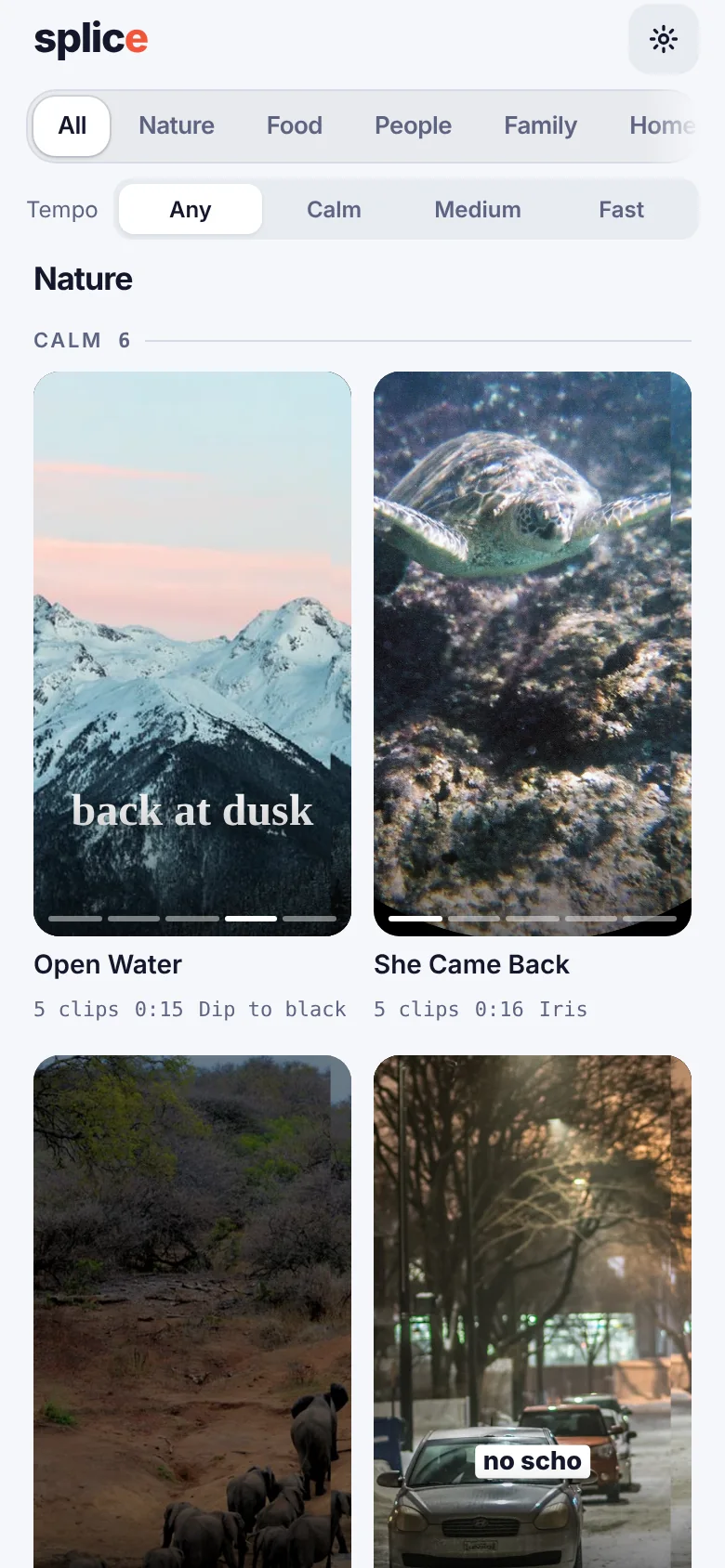
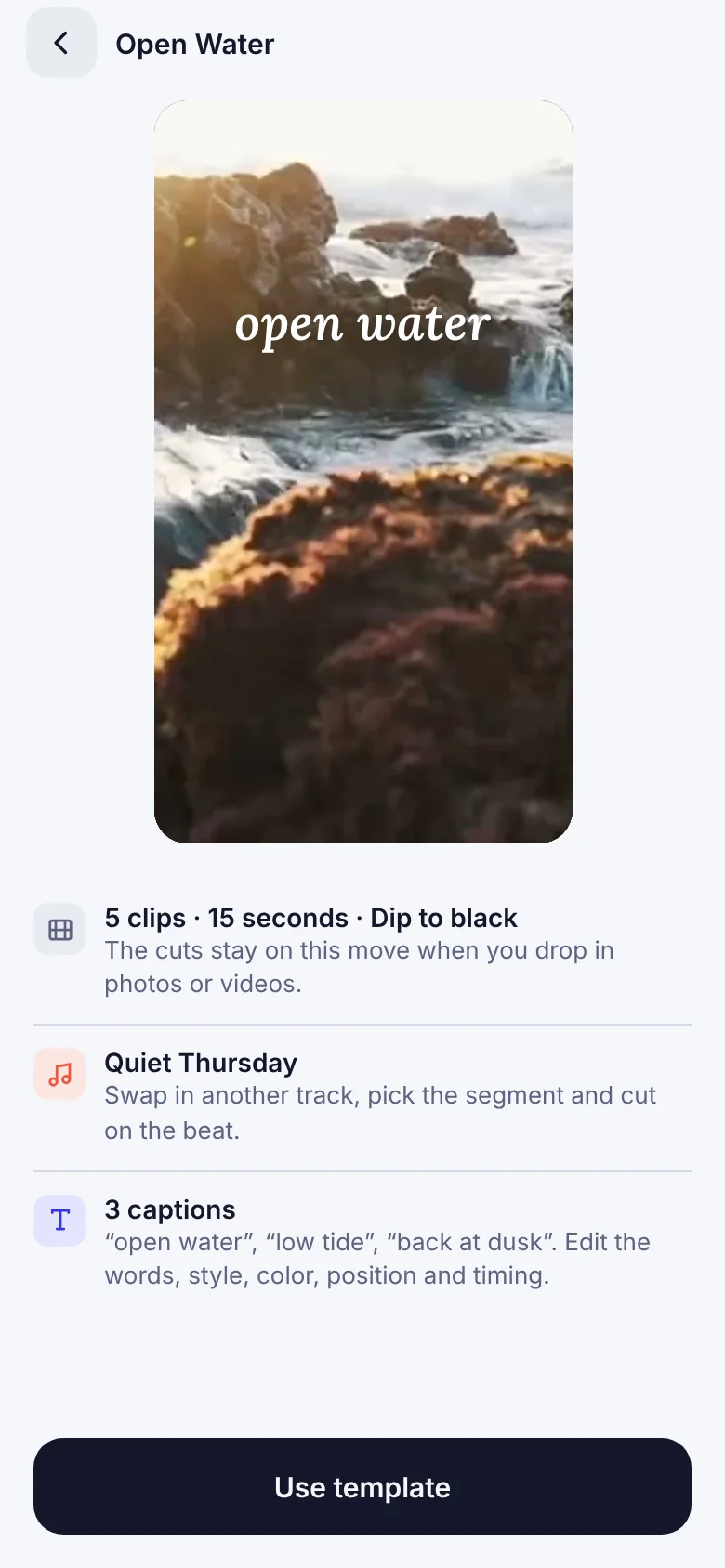
Pick a template
Browse by occasion: nature, food, family, hobby and more.
02
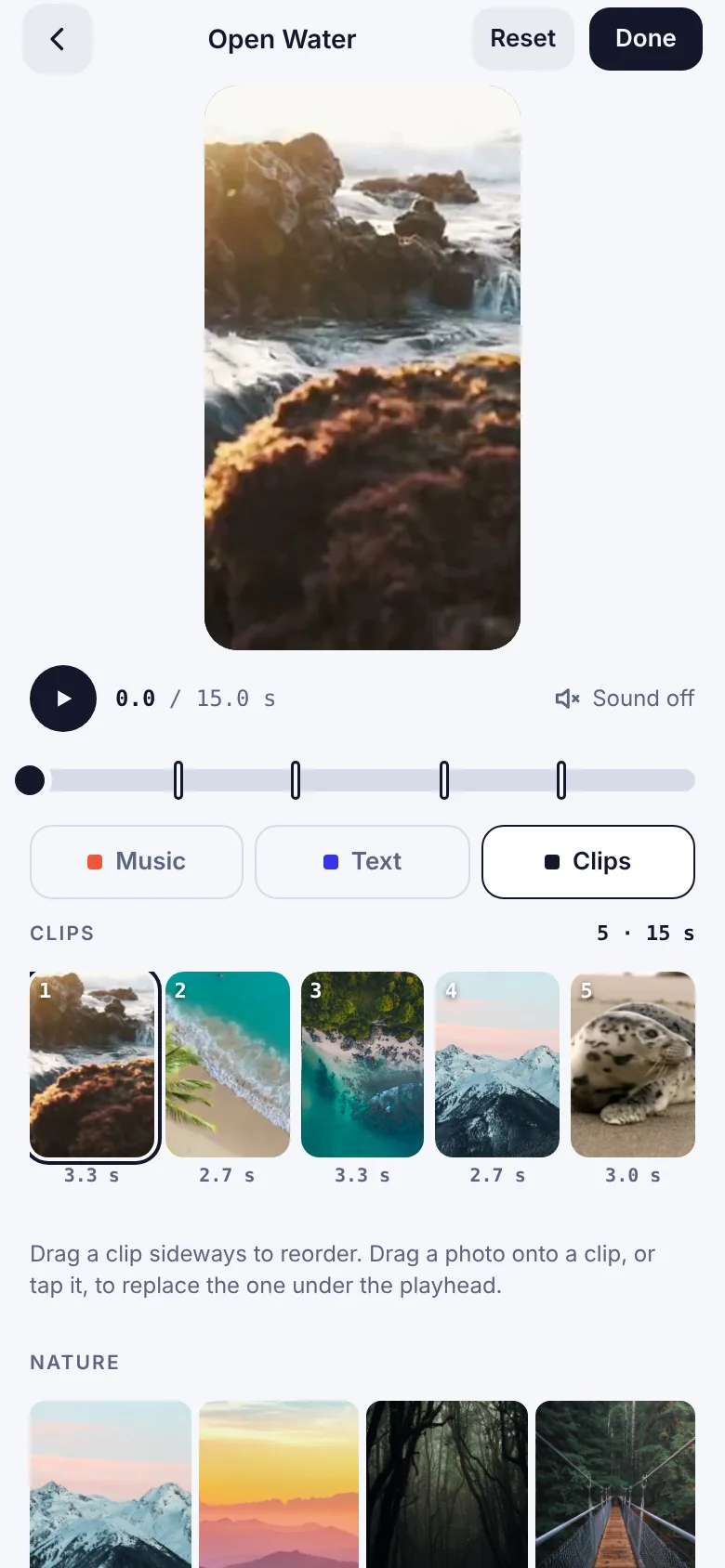
Add your clips
Choose videos and photos from your library. Splice fits them to the template.
03
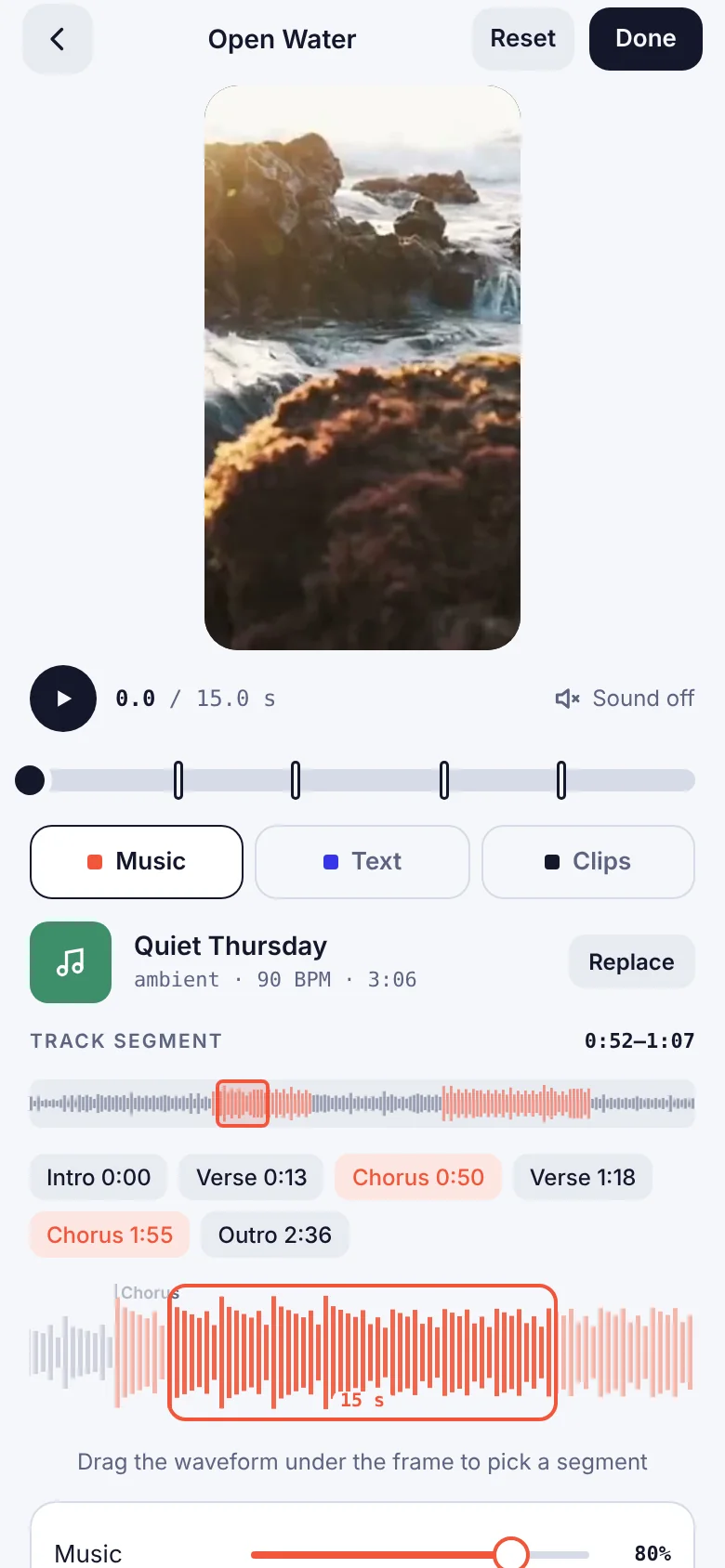
Set the music and text
Pick a track and a caption style. Cuts land on the beat.
04
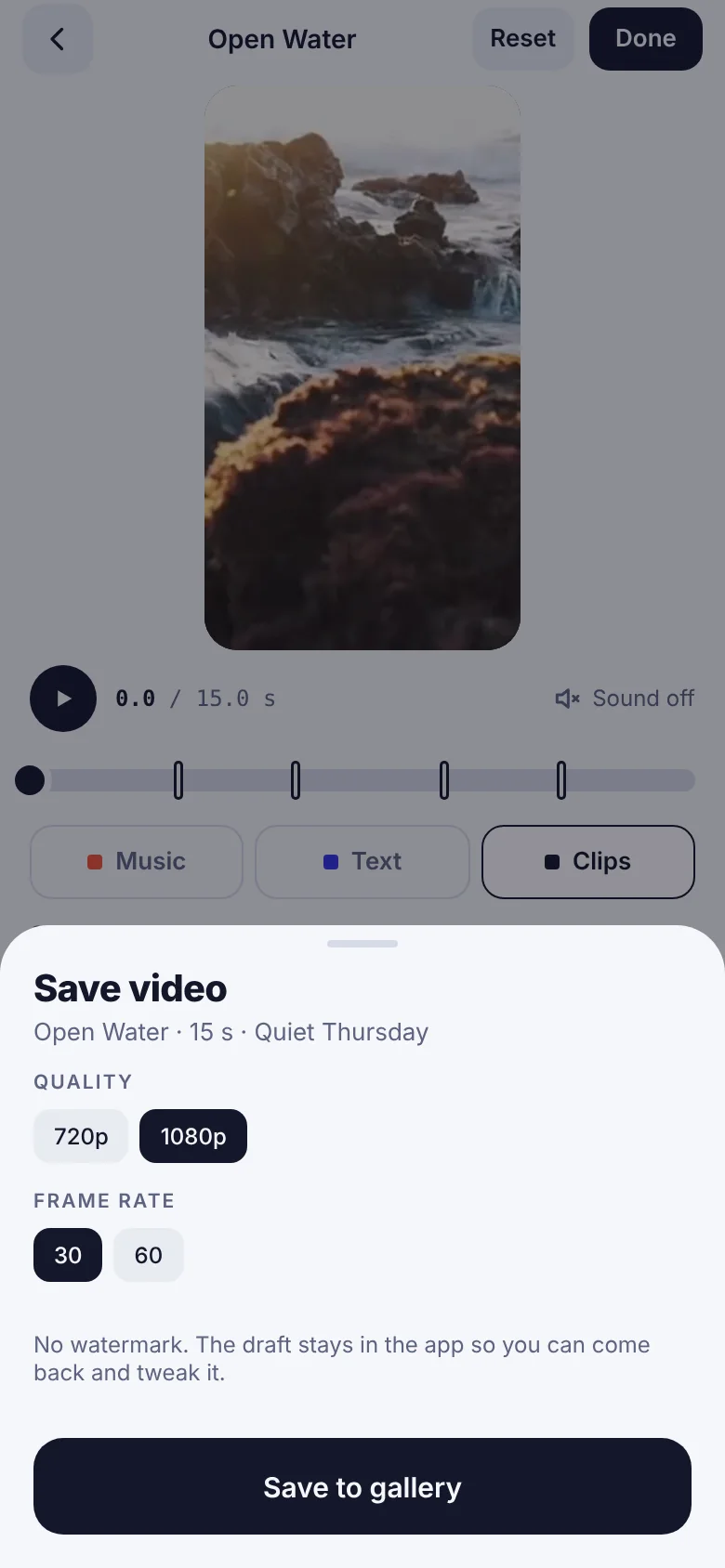
Export and share
Save in 720p or 1080p, at 30 or 60 fps. No watermark.
Features
Everything a short video needs.
Cuts on the beat
Choose Calm, Medium or Fast and the cuts follow the tempo of your track.
Five caption styles
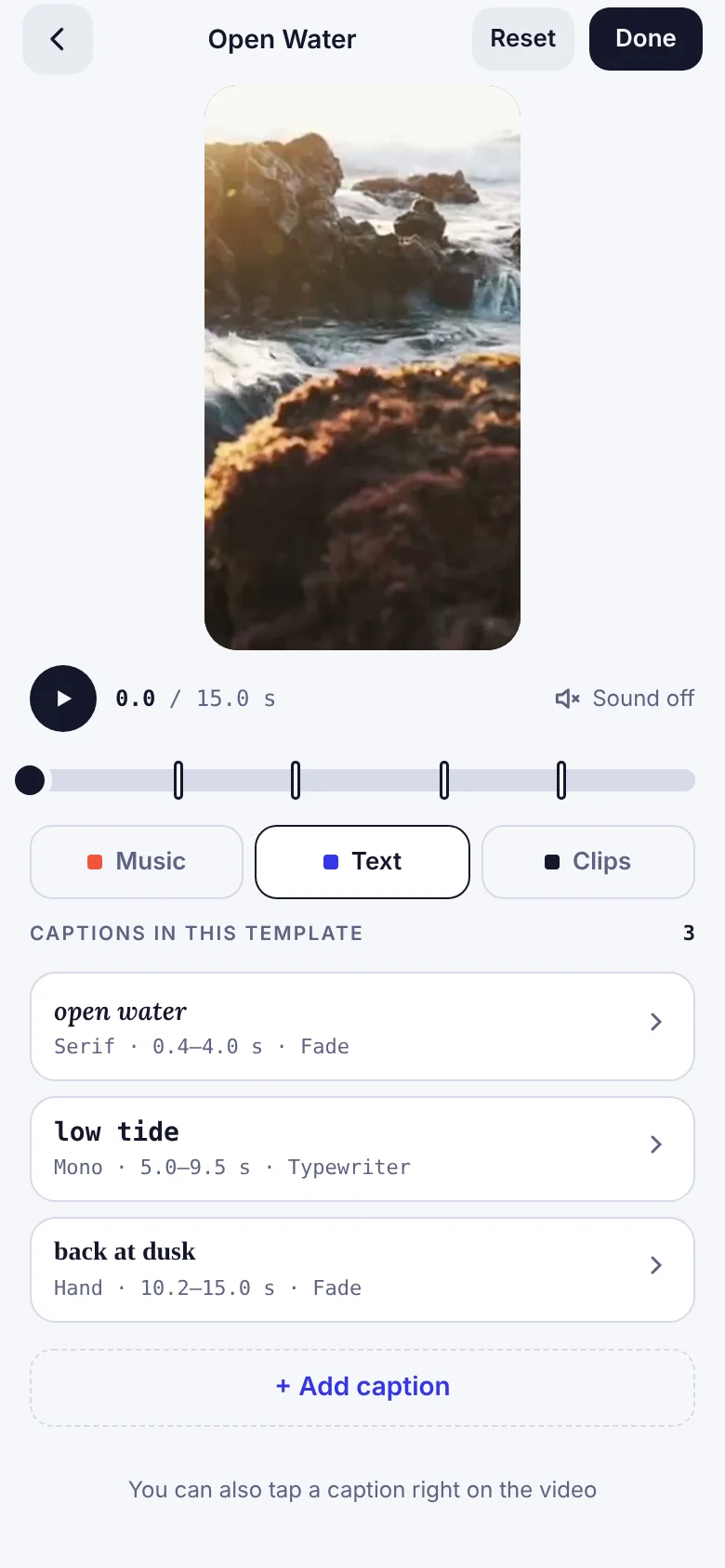
Add a title or a few lines in a style that fits the mood of the video.
Templates by occasion
Start from a look that already works.
Clean export
720p or 1080p, 30 or 60 fps, and no watermark on your video.
Be first to try Splice.
Leave your email and we will write once, when it is ready.